

Generate the account activity CSV#
As checked on September 2, 2026, Robinhood's official workflow is:
- Go to Reports and statements.
- Select Account activity report.
- Choose Generate new report.
- Select the account type, start date, and end date.
- Generate the report and wait for the ready notification.
- Download the CSV from Reports.
Robinhood says most reports take about two hours and can take up to 24 hours. Its support page also says brokerage and retirement transactions are included, while futures, crypto, and spending account activity are not included in this report. Check the current Robinhood instructions before relying on those boundaries because the product can change.
This export is different from Robinhood's personal-data download, tax documents, monthly account statements, and realized gain/loss report. Choose the record that matches the question you are trying to answer.
Know what each document is for#
| Record | Best use | Limitation for chart review |
|---|---|---|
| Account activity CSV | Importing and filtering transactions across a date range | A row may not include the intraday evidence needed for exact replay |
| Trade confirmation | Verifying the details of an executed order | Usually reviewed one trade at a time |
| Monthly statement | Reconciling positions, cash, and activity | PDF structure is less convenient for automated import |
| Realized gain/loss report | Tax-lot and realized-result review | Not a record of the market context at entry |
| Personal-data download | Broader privacy access request | May take weeks and is not optimized as a journal import |
For trade confirmations, Robinhood directs users to Account → History and then the specific trade. Monthly statements are under Reports and statements and are generally available after the month ends. Treat those documents as reconciliation evidence, not as interchangeable exports.
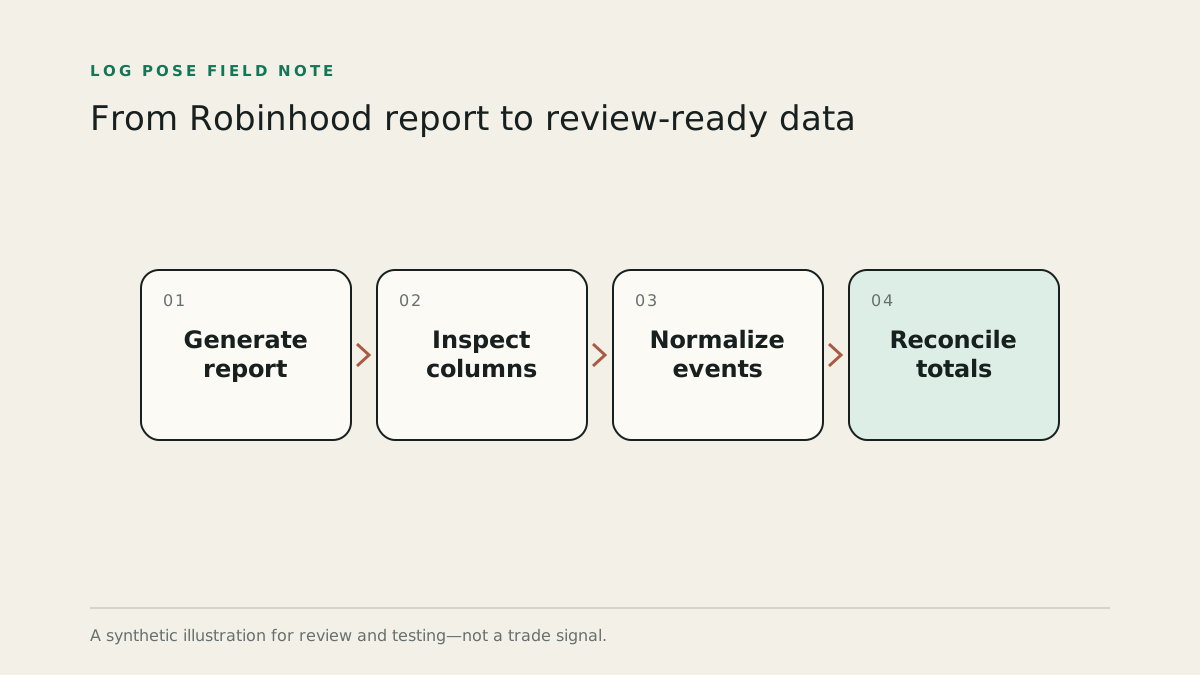
Inspect the CSV before importing it#
Do not map columns by position alone. Open the file and record:
- the exact header names;
- date and time formats;
- timezone, if stated;
- whether buys and sells use a side field or signed quantity;
- whether quantities include fractional shares;
- whether executions are individual or aggregated;
- how fees, dividends, transfers, and corporate actions are labeled;
- account identifiers and currency.
Save the original file unchanged. Perform normalization on a copy or through a repeatable importer. That gives you a source record when a mapping rule later changes.
Do not turn a date into a timestamp#
If a row contains 2026-08-28 with no time, store a date-only value. Appending 09:30:00 or noon makes it easier to plot but changes the meaning. A journal should show the trade at daily or session resolution and flag intraday analysis as unavailable.
If timestamps include no timezone, confirm the export's documentation or compare a known trade confirmation. Do not assume local browser time. Daylight-saving transitions make silent assumptions especially dangerous.
Normalize events before grouping trades#
A transaction report can include trades and non-trade activity. Classify rows before building positions:
- execution buy or sell;
- dividend or interest;
- deposit or withdrawal;
- fee;
- split, merger, symbol change, or other corporate action;
- transfer.
Only execution rows should change trade quantity. A split changes the share basis but is not a new trading decision. A transfer can change holdings without an opening fill. If those events are treated as buys or sells, the reconstructed trade and P&L will be wrong.
For long stock episodes, add buy quantities and subtract sell quantities. Close the episode when the running quantity returns to zero. For a sell larger than the open long quantity, close the long episode at zero and handle the remaining quantity according to the account and product rules—do not silently attach it to the old trade.
Reconcile before writing journal notes#
Choose a closed month and perform four checks:
- Count: Do imported execution rows match the confirmations you expect?
- Quantity: Does every closed episode return exactly to zero, allowing for fractional precision?
- Cash: Do gross proceeds, costs, and fees reconcile to the statement within documented rounding?
- Corporate actions: Are split or symbol-change dates excluded from naive chart comparisons?
Keep a rejected-row report. If the importer cannot understand a row, it should show the row and reason instead of dropping it silently.
Use export and sync for different jobs#
A CSV is portable, inspectable, and useful for backfilling or auditing. A read-only connection can reduce repeated manual work and preserve newer executions without another export. Neither is inherently more accurate; accuracy depends on the fields, timestamps, corrections, and reconciliation.
For any disagreement, use Robinhood's official statement and confirmation as the authority. The journal should make it easy to trace a reconstructed trade back to those records.
Sources and methodology#
Product details and workflows can change. Links below are the primary references checked for this page; the analysis and operational definitions are Log Pose’s.
- Finding your reports and statements — Robinhood
- Managing your personal information — Robinhood
Log Pose is not affiliated with Robinhood, Inner Circle Trader, or the products discussed on this page. This material is for education and recordkeeping, not investment advice. Historical and hypothetical results do not predict future performance.